What 150+ deployments taught us about voice migration to Microsoft Teams
Ten years, 150 migrations, and every hidden fax machine we found along the way.

If you had told me a decade ago that one day, the humble office desk phone would be as endangered as a parking spot in Bangsar or Tanjong Pagar on a Friday night, I would have laughed into my kopi peng.
But here we are. After spending over ten years deep in the trenches of telecommunications — wrestling with massive on-premise PABX monsters, configuring Ribbon SBC 5400 Cores until my eyes bled, and treating AudioCodes Mediant gateways like my own children — I've seen it all. I've survived over 150 voice migrations, dragging companies kicking and screaming from their beloved, dusty analog systems into the shiny, cloud-hosted embrace of Microsoft Teams.
It's been a wild ride. Migrating enterprise voice to Teams is a bit like upgrading from a manual Kancil to a Tesla. It's undeniably better, but along the way, somebody is going to panic because they can't find the handbrake.
So, grab a seat, order a teh tarik, and let's dive into the five most brutal, hilarious, and eye-opening lessons I've learned from 150+ Microsoft Teams voice migrations.
Lesson 1: "We have a very simple setup" is the biggest lie in IT
Every migration project kicks off with a kickoff meeting. The IT Director will sit there, looking incredibly relaxed, and say, "Don't worry, lah. Our setup is very straightforward. Just one main line, a few extensions, nothing crazy."
Do not believe them. It is a trap.
What they actually have is a 15-year-old Avaya or Nortel system held together by cable ties, duct tape, and sheer willpower. But that's not all. During the discovery phase, you will inevitably uncover:
- A hidden ISDN PRI line that nobody pays for but somehow still works.
- A direct line strictly dedicated to the CEO's fax machine (yes, fax, in the 2020s — aiyoh).
- An intercom system wired into the paging speakers that relies on a specific sequence of keypad mashes that only Uncle Chong from Facilities remembers.
The fix: we learned very early on never to take the initial documentation at face value. A successful Teams Direct Routing migration requires treating the site survey like a CSI investigation. You have to trace every wire. Because if you don't, on cutover day, the fire alarm system will suddenly start routing calls to the HR department.
Lesson 2: The SBC is your condo security guard
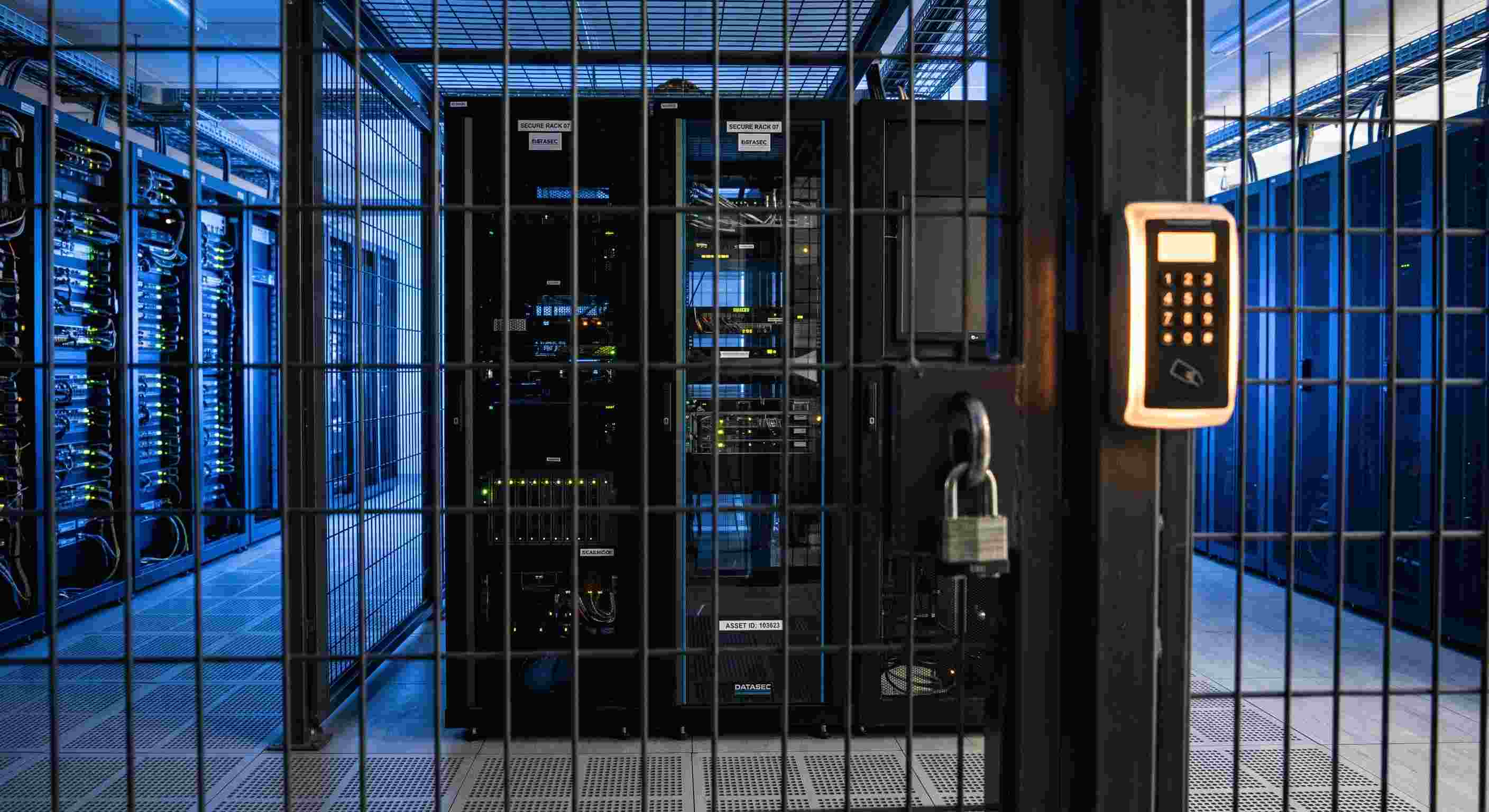
When you move to Teams via Direct Routing, Microsoft handles the cloud, and your local telco provides the SIP trunks (the phone lines). But sitting in between them is the Session Border Controller (SBC).
Think of the SBC as the garang (fierce) security guard at a high-end condominium. You don't just walk in; you have to register, surrender your IC, and prove you have business being there. If a weird, uninvited SIP packet tries to enter your network from the wild internet, the SBC blocks it immediately.
Over the years, I've deployed them all. For the massive, multi-national setups spanning Singapore and Malaysia, the Ribbon SBC 5400 Core is the absolute heavyweight champion. It handles thousands of concurrent sessions without breaking a sweat — it's the tech equivalent of a bouncer who can deadlift a Perodua Myvi.
For the mid-market folks, the AudioCodes Mediant series and Ribbon Edge 8100 are the trusty workhorses. They just sit there in the rack, blinking away, seamlessly translating telco gibberish into Microsoft Teams language.
The lesson here? Never skimp on your SBC. A badly configured SBC is like leaving your front door wide open during a monkey invasion. You will get hacked, you will experience toll fraud, and you will have to explain to the CFO why there's a RM50,000 bill for calls to Antarctica.
Lesson 3: The "undead" analog endpoints
Microsoft Teams is a sleek, modern, cloud-native unicorn. But the physical world is messy.
In every single deployment, without fail, we run into the "analog survivors." These are the devices that simply cannot connect to the internet directly: elevator emergency phones, factory floor paging horns, point-of-sale machines, and analog fax machines.
You can't just plug an RJ11 telephone wire into the cloud. Microsoft Teams doesn't speak "beep-boop-beep" analog tones.
This is where the unsung heroes of the telecom world come in: Analog Telephone Adapters (ATAs) and edge devices like the EdgeMarc. These little boxes act as translators between the analog ghosts of the 1990s and the cloud of today.
We once did a migration for a massive manufacturing plant in Penang. They were ecstatic about Teams, right up until cutover day when they realized they couldn't broadcast over the factory PA system to tell the workers the canteen was open. Panic ensued. One frantically configured AudioCodes MP-114 ATA later, the lunchtime announcement echoed across the factory, and a riot was averted.
Moral of the story: map out your analog endpoints before you touch the cloud.
Lesson 4: The phantom dial tone and Auntie Doris
Technologically, configuring SIP trunks and routing rules is child's play compared to the final boss of Teams migration: user adoption.
You can architect the most resilient, highly available, geo-redundant Ribbon SBC cluster in the history of Southeast Asia. But on Monday morning, Auntie Doris from Accounting is going to be incredibly upset because her desk phone is gone, and her computer "doesn't have a dial tone."
People are profoundly emotionally attached to their physical desk phones. They love the curly cord. They love slamming the receiver down when they are angry (clicking a red "Leave Call" button with a mouse just doesn't have the same oomph).
When migrating to Teams, you have a choice: hand out headsets and force everyone to use the Teams desktop app, or buy native Teams IP phones (like Yealink, Poly, or AudioCodes physical phones).
What 150 deployments taught us is that a "Big Bang" headset-only approach often ends in tears. The best strategy is a hybrid one. Give the executives and the Auntie Dorises their physical Teams phones with touchscreens. Give the sales team and the younger staff high-quality wireless headsets.
And most importantly, over-communicate. Train them. Hold their hands. Show them that they don't need a dial tone anymore, just like they don't need to feed a horse to drive a car.
Lesson 5: The network is guilty until proven innocent
"Hello? Hello? Sangkuuuuut lah… wait, can you hear me? You sound like a robot."
If I had a dollar for every time someone blamed Microsoft Teams for bad call quality, I could retire and open a beach resort in Langkawi. But here is the cold, hard truth: 99% of the time, Teams is fine. Your local network is the problem.
Voice traffic over IP (VoIP) is incredibly sensitive. If an email takes an extra 2 seconds to arrive, nobody cares. If a voice packet takes an extra 200 milliseconds to arrive, you end up talking over each other in an awkward, never-ending dance of "No, you go ahead," "No, sorry, you speak."
Before you even think about routing voice traffic to Teams, your network needs to be pristine.
- Quality of Service (QoS) must be implemented so voice packets get VIP lane access, bypassing someone downloading a 50GB video file.
- SIP ALG on your firewall must be turned off. (SIP ALG is a network feature designed to help, but it usually just mangles voice packets like a bad blender. Just kill it.)
- Wi-Fi must be solid. You cannot run enterprise voice over a cheap home router you bought from Low Yat Plaza five years ago.
The SBC can do a lot of heavy lifting for media bypass and optimizing the route, but it cannot fix a congested LAN. Get your network house in order first.
The summary
Migrating from a legacy PABX to Microsoft Teams is not just a technology upgrade; it is a cultural shift.
Over the course of 150+ deployments, the technical components — whether it's configuring a massive Ribbon SBC 5400 Core for Direct Routing, setting up AudioCodes gateways, or wrestling with legacy edge devices — have become the easy part. The real challenge lies in the preparation.
Success requires an almost paranoid level of discovery to unearth hidden analog lines. It demands robust, enterprise-grade SBCs acting as your unyielding security guards. It means treating your network infrastructure with the respect voice traffic demands. And above all, it requires immense empathy for the end-users who are saying goodbye to the blinking, physical desk phones they've known for decades.
It can be a bumpy road, fraught with phantom fax machines and network ghosts. But once the dust settles, the dial tones fade into memory, and the entire organization is seamlessly making calls from their laptops at a coffee shop or a kopitiam, you realize it was worth every single drop of sweat.